
Work Items Reopened
Work Items Reopened measures the number of work items that move out of the Closed lifecycle state.
It represents rework and delivery stability by tracking when work that was previously closed re-enters active states.
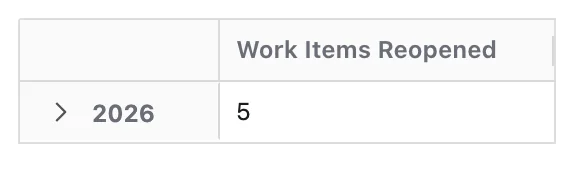
What Question Does Work Items Reopened Answer?
Work Items Reopened is designed to answer:
- How many work items were reopened?
How Work Items Are Counted
A work item is counted when it transitions from a status mapped to the Closed lifecycle state to any non-Closed state.
- Each work item is counted once
When a time dimension is applied, work items are grouped into time periods based on the latest time they were reopened.
This means:
- A work item appears in the time period that matches its latest reopen event
- If a work item is reopened multiple times, the most recent reopen event is used
Configuration
Work Items Reopened has no options of its own. Like every Metric it can be given a Metric Name and a Description — see Metric Configuration.
- The Metric uses lifecycle mapping of statuses to the Closed lifecycle state
What You Can Analyse with Work Items Reopened
Work Items Reopened is commonly used to analyse:
Rework Volume
- Number of previously closed work items that were reopened
- Periods with unusually high reopen activity
Delivery Stability
- Whether completed work remains closed
- Frequency of work re-entering active states
Process Reliability
- Spaces, teams, or components with repeated reopenings
- Patterns of reopening by:
- Work type
- Priority
Closure Effectiveness
- Compare Work Items Reopened with Work Items Closed
- Identify gaps between formal closure and actual completion